App Reviews

Notion – The All-in-One Workspace

Notion – The All-in-One Workspace

T

Tekopia

• 348 views
Notion – The All-in-One Workspace

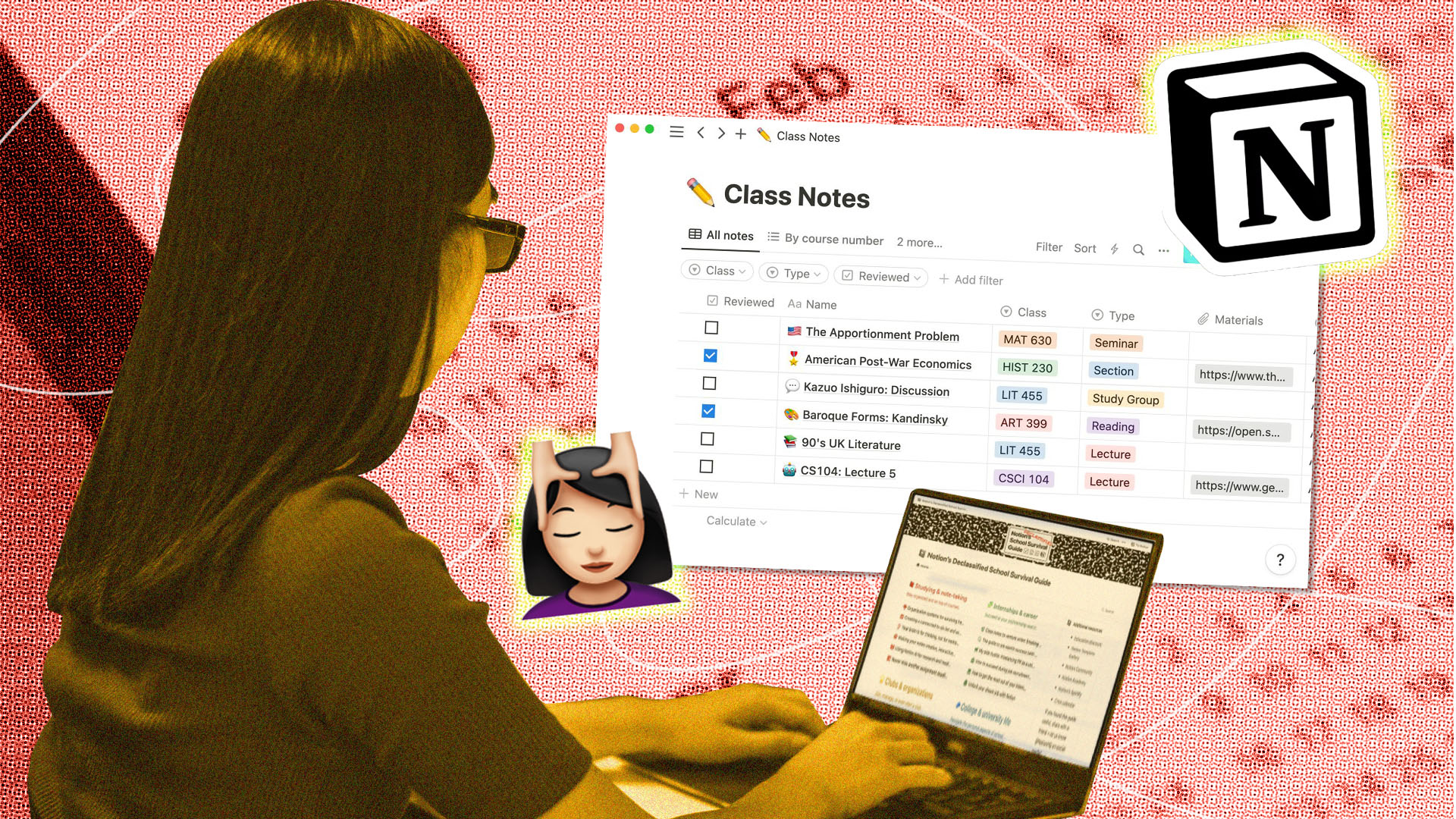
Notion has earned a reputation as one of the most versatile productivity tools available today. It combines note-taking, project management, databases, and collaboration into a single platform. While it may not be as widely recognized as Google Docs or Trello, its flexibility and adaptability have made it a favorite among freelancers, students, entrepreneurs, and growing teams.

🛠️ Key Features

  • Notes & Documents: Create detailed notes, meeting records, and even long-form writing projects.
  • Task Management: Build to-do lists, kanban boards, and timelines to stay organized.
  • Databases: Store, filter, and manage structured data (contacts, projects, inventory, etc.).
  • Templates: Pre-built layouts for personal journals, content calendars, project tracking, and more.
  • Cross-platform sync: Available on web, desktop, and mobile, ensuring all your data is accessible anywhere.

🎯 What Makes Notion Unique

  • Unmatched flexibility: You’re not stuck with rigid templates—you can design pages and workflows to suit your needs.
  • Drag-and-drop interface: Move text, tasks, or entire sections effortlessly.
  • Personal + team use: Equally powerful for individual productivity or collaborative workspaces.
  • All-in-one hub: Instead of switching between multiple apps, you can manage notes, tasks, and projects in one place.

🤝 Collaboration & Integrations

  • Real-time collaboration: Teams can edit documents together, leave comments, and track changes.
  • External integrations: Connects with Slack, Google Drive, Figma, and more for a smoother workflow.
  • Workspaces: Create shared hubs for teams, departments, or even entire organizations.
  • Permission controls: Assign different access levels to ensure secure collaboration.

⚖️ Pros

  • Extremely customizable and flexible—adapts to your workflow.
  • Combines multiple tools into one, reducing the need for separate apps.
  • Offers a generous free plan with most features included.
  • Active community providing templates, tips, and inspiration.
  • Constant updates and improvements from the development team.

❌ Cons

  • Steep learning curve: Beginners may feel overwhelmed at first.
  • Offline use limitations: While improving, it’s still not as smooth as competitors.
  • Performance issues: Large databases or pages can lag, especially on mobile.
  • No end-to-end encryption: May concern users dealing with sensitive data.

📊 Comparison with Competitors

  • Trello: Great for task management, but lacks Notion’s note-taking and database flexibility.
  • Evernote: Strong for notes, but weaker in task/project management.
  • Google Docs/Sheets: Excellent collaboration, but less customizable as an all-in-one workspace.

📝 Final Verdict

Notion is more than just a productivity app—it’s a workspace ecosystem. For those willing to invest time in learning it, Notion can become the ultimate personal and professional hub. It’s not the simplest tool for beginners, but its power, flexibility, and collaborative features make it one of the best productivity platforms available today.

⭐ Rating: 4.6 / 5 – Perfect for power users and teams, with a small learning curve for beginners.

Additional Resources

Visit External Resource

Tags