We’ve all been there. You’re following a recipe that uses grams, but your kitchen scale only does ounces. You’re comparing international data plans in megabytes versus gigabytes, or you’re a student tackling a physics problem that flips between metric and imperial. In these moments, you don’t need a flashy, ad-ridden app that tries to do everything. You need a quick, reliable answer. The "Unit Converter" app for Android, developed by Alexander Mezhevikin, promises exactly that: no-nonsense, instant conversion across a wide array of units. But does its simplicity make it indispensable, or does it leave you wanting more?
At its core, this app understands its mission perfectly. The interface is clean, intuitive, and devoid of clutter. Upon opening, you’re presented with a straightforward list of measurement categories. There’s no homepage vying for your attention with news feeds or social features. It’s a tool, pure and simple. This design philosophy means you can perform a conversion in just three taps: choose a category (e.g., Length), select your "From" unit (e.g., Miles), select your "To" unit (e.g., Kilometers), and type your value. The result appears instantly. For everyday use, this frictionless experience is a major win, eliminating the frustration that often comes with more bloated applications.
Where the app truly shines is in its surprisingly comprehensive coverage. It goes far beyond the basics of length, weight, and temperature. Whether you’re a professional, a hobbyist, or a student, you’ll likely find the niche unit you need. The categories are thoughtfully organized, making it easy to navigate even with dozens of options.
Key conversion categories include:
- Common Quantities: Length, Area, Volume, Mass, Temperature, Speed.
- Scientific & Computing: Digital Storage (bits, bytes, terabytes), Data Transfer (megabits per second), Energy (joules, calories), Power (watts, horsepower).
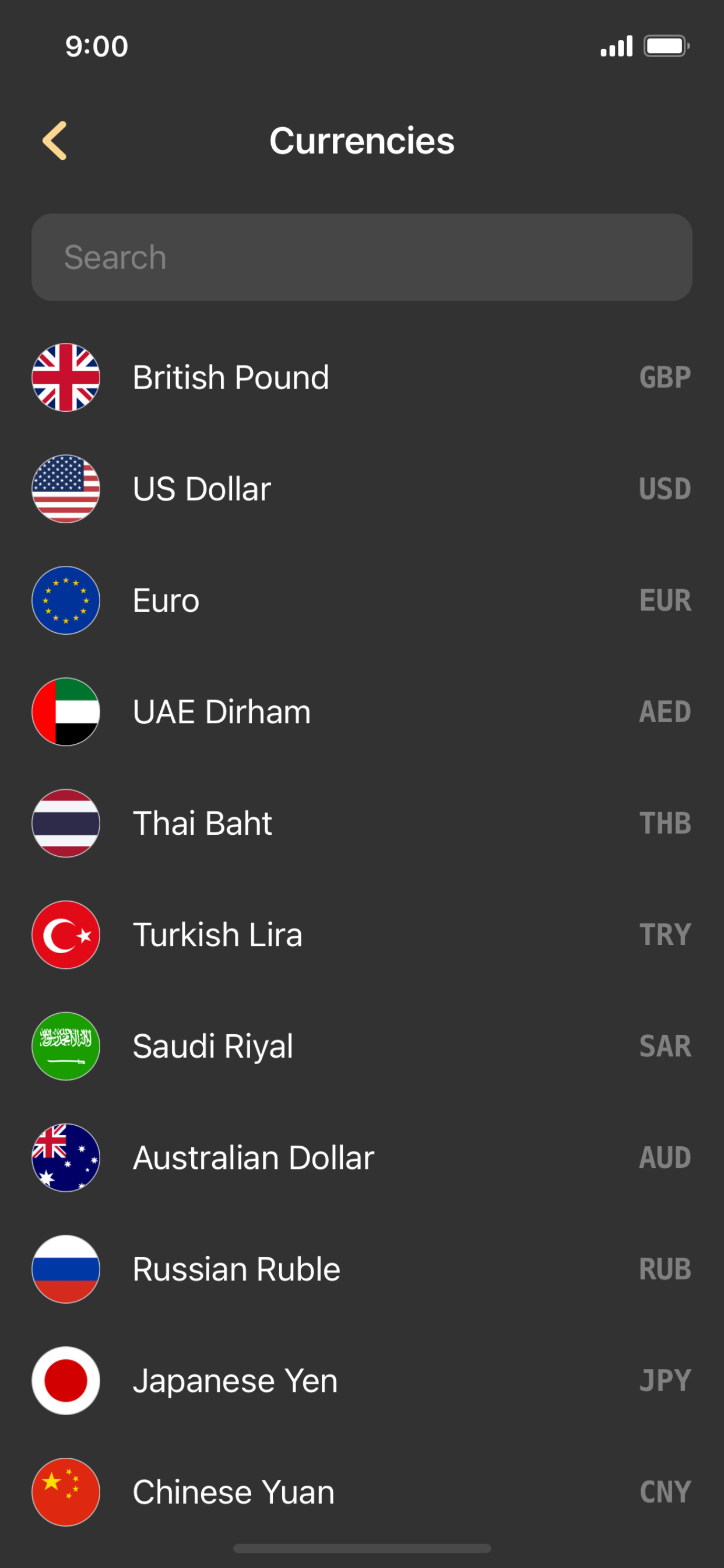
- Time & Finance: Time zones, currency (with offline support for past rates), and simple time calculations.
- Specialized Units: Cooking measurements, clothing sizes, and even typography units like points and picas for designers.
One of the app’s most praised features is its offline functionality. Unlike many converters that require an internet connection for live currency rates or obscure calculations, this app works entirely offline for all unit conversions. The currency converter does include an option to update rates, but it stores a previous set for instant offline use. This makes it incredibly reliable when you’re traveling, in a basement workshop, or anywhere with spotty connectivity. It’s a tool you can truly depend on.
Of course, no app is perfect. The "Unit Converter" leans heavily into its minimalist identity, which means it lacks some of the bells and whistles of competitors. You won’t find a built-in calculator for complex equations, a history log of all your past conversions, or a favorites system for quick access to your most-used units. The design, while clean, may feel a bit dated compared to some of the slicker options on the Play Store. For users who need just one or two conversions a week, this is likely a non-issue. But for power users who convert units constantly, these omissions might be noticeable.
So, who is this app really for? It’s the digital equivalent of a perfectly crafted screwdriver—excellent at its specific job. It’s ideal for students, travelers, cooks, DIY enthusiasts, and anyone who values speed and reliability over extra features. It respects your time and your phone’s storage. The lack of intrusive ads in its base form and the commitment to privacy (the developer states it collects no data) are significant bonuses in today’s digital landscape.
In conclusion, the "Unit Converter" by Alexander Mezhevikin won’t dazzle you with animations or overwhelm you with features. Instead, it delivers on a fundamental promise: to convert units accurately, instantly, and without hassle. In a world of overly complex software, there’s profound value in an app that does one thing exceptionally well. If your primary need is a trustworthy, always-available conversion tool that covers an impressive range of units, this app is undoubtedly all you need. It’s a quiet, unassuming champion that deserves a spot in your utility folder. You can find it on the Google Play Store and see for yourself if this streamlined approach is the right fit for your daily life.